
The NAAUC NatCon App
How to sign up, use, and make the most of it!
We have an app!
This year at our 56th annual NAAUC National Conference we are using an app to help delegates navigate the week. As we are still in trial phases it is not yet downloadable but all the features you need are available right here in your browser!
Follow the steps below to sign up and add it to your home screen for easy use and convenience.
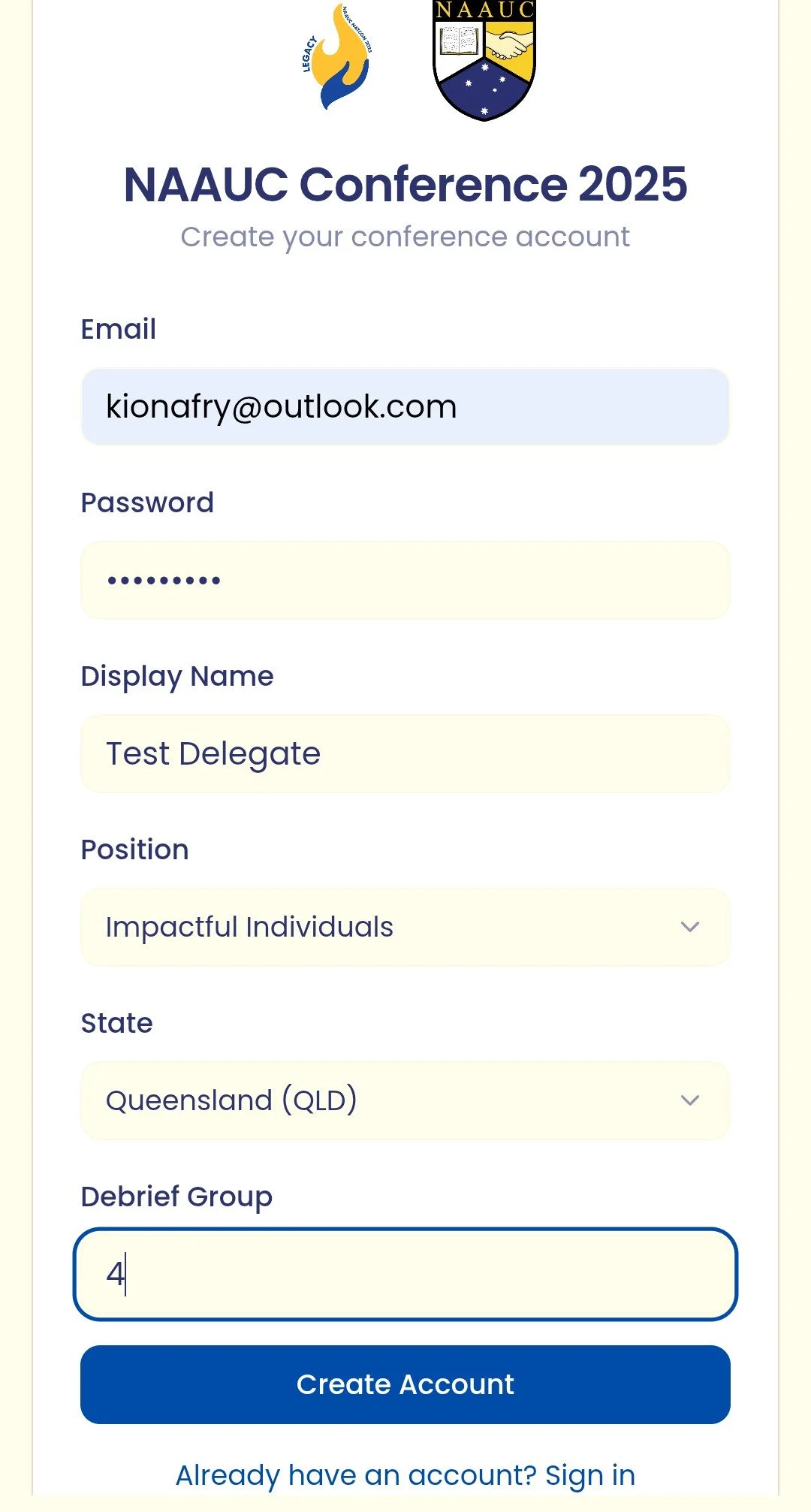
1) Sign Up! Click the sign up link at the bottom, enter you email, name, choose a password and enter your state, leadership position and debrief group number (can be found on your lanyard). Then simply press create account and you’re in!
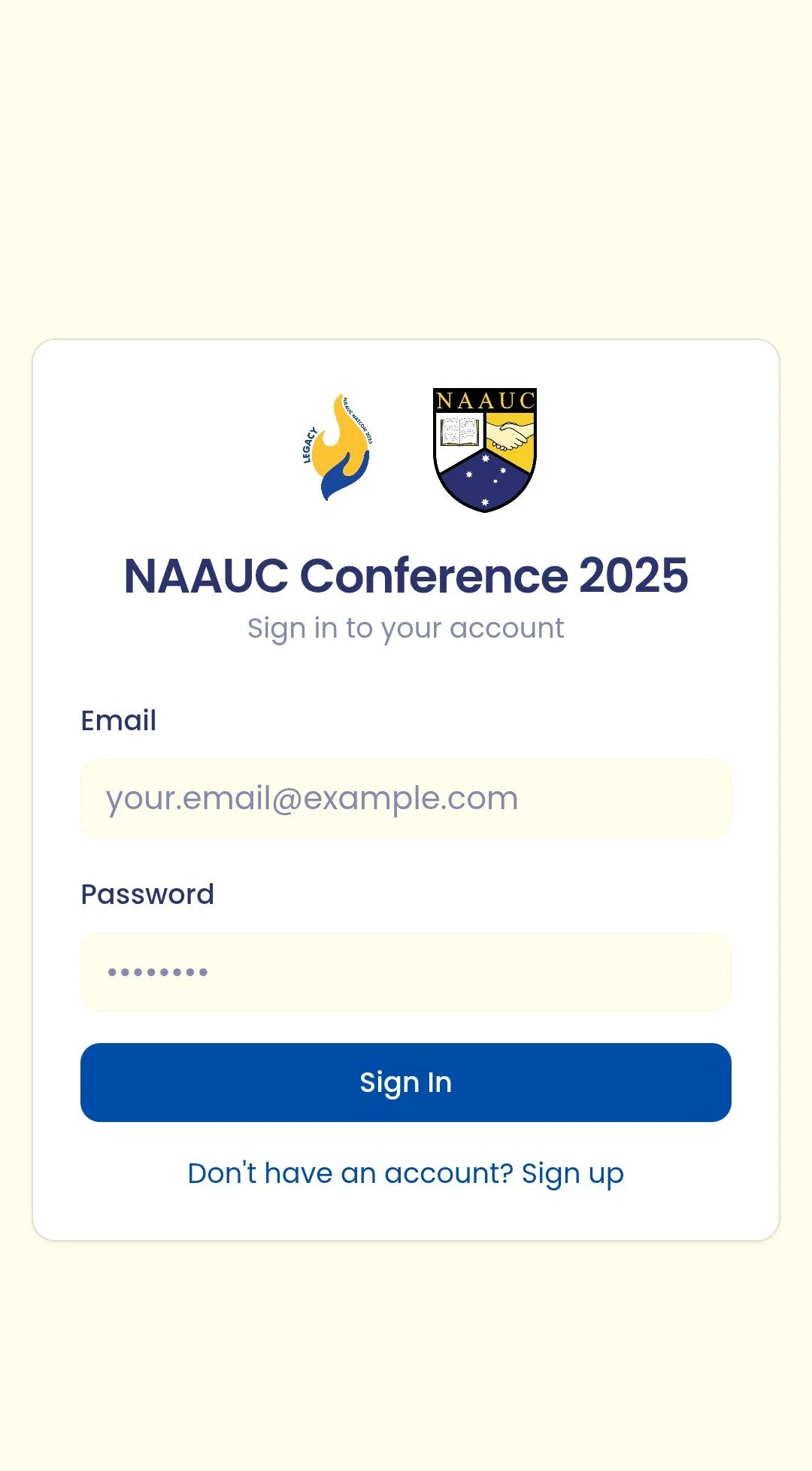
2) Add to your home screen!
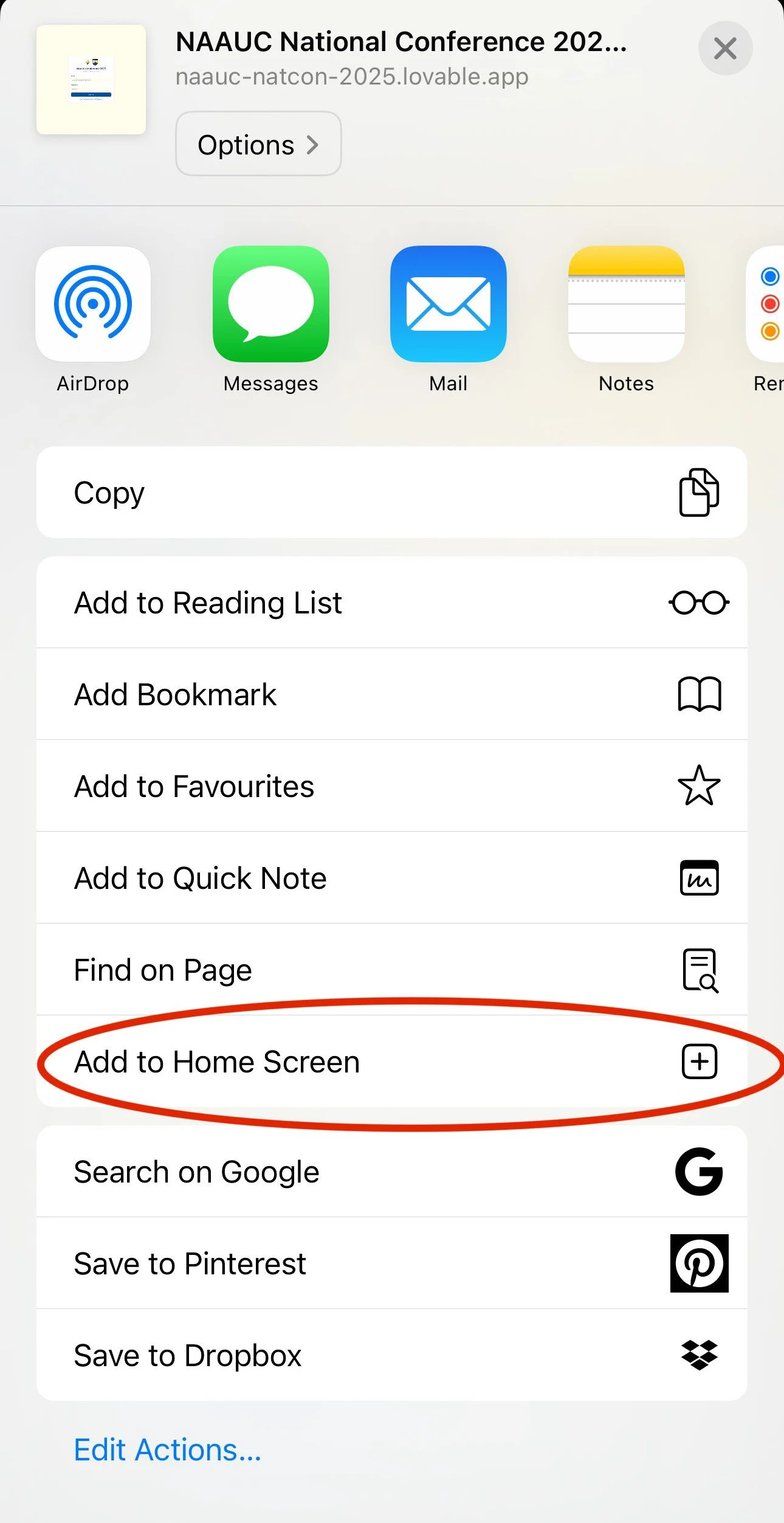
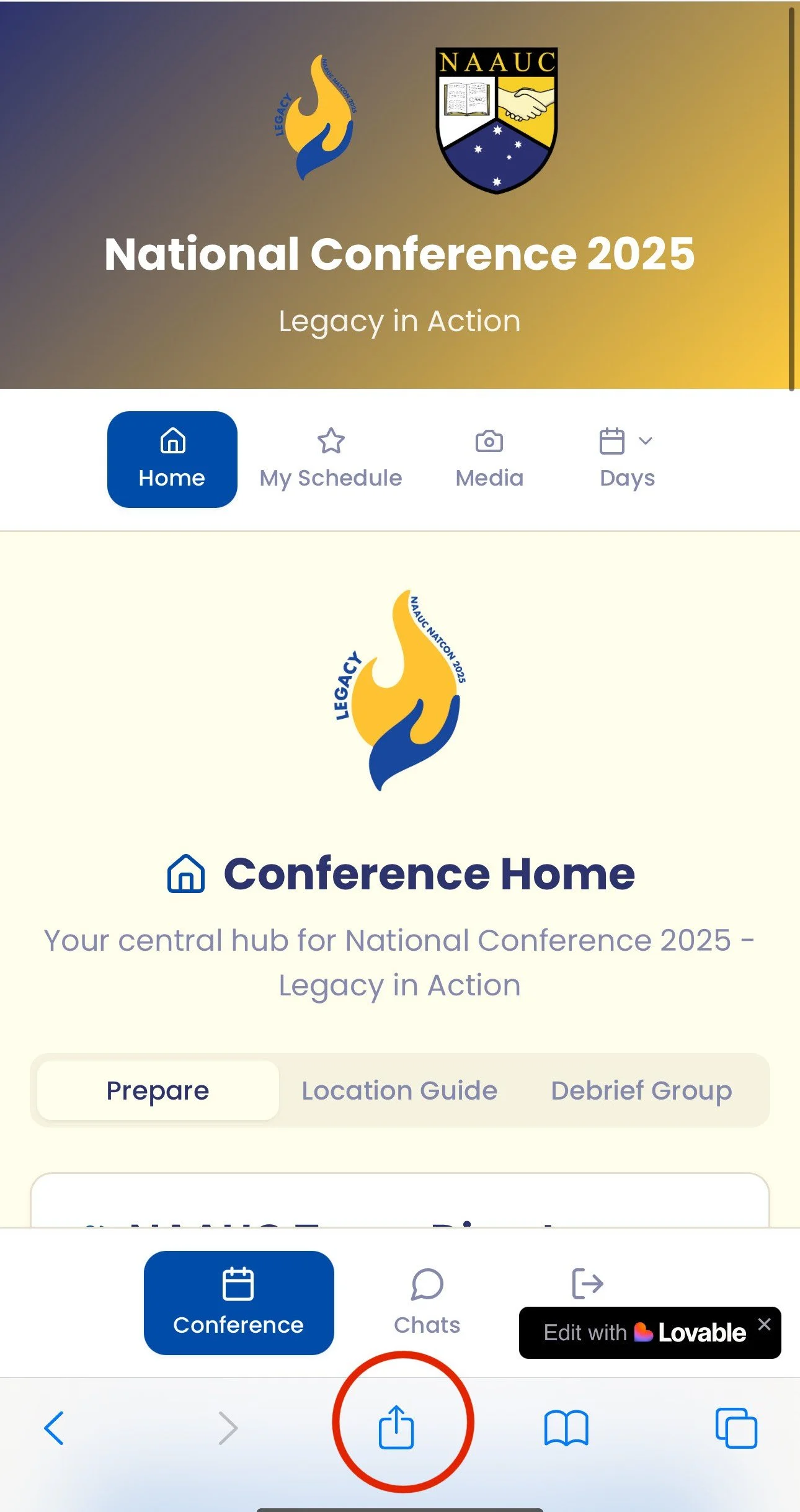
On iOS: press the share button at the bottom middle of the screen, and click add to home screen
On android: press the three dots in the top right corner and click add to home screen
3) Explore!
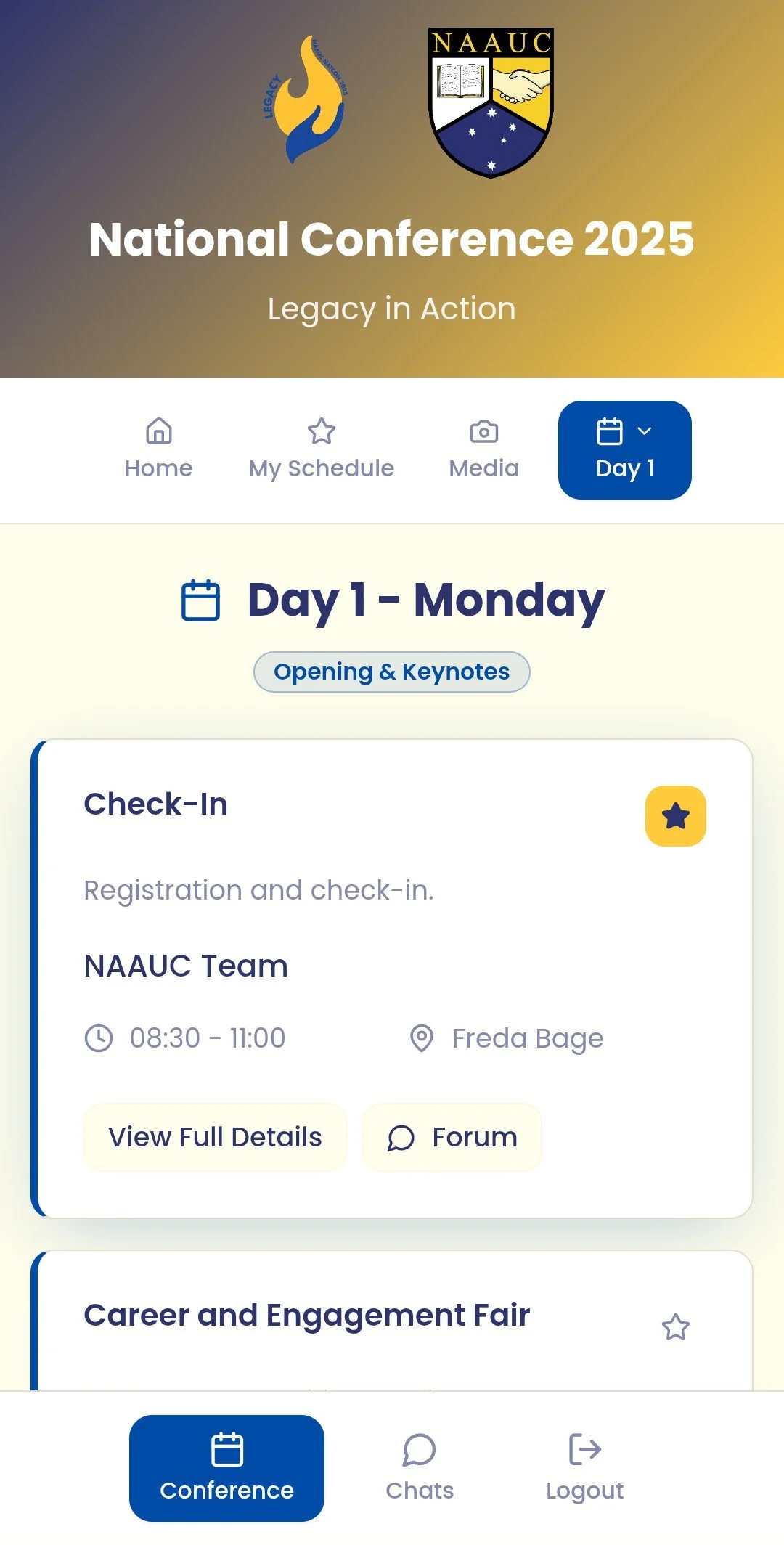
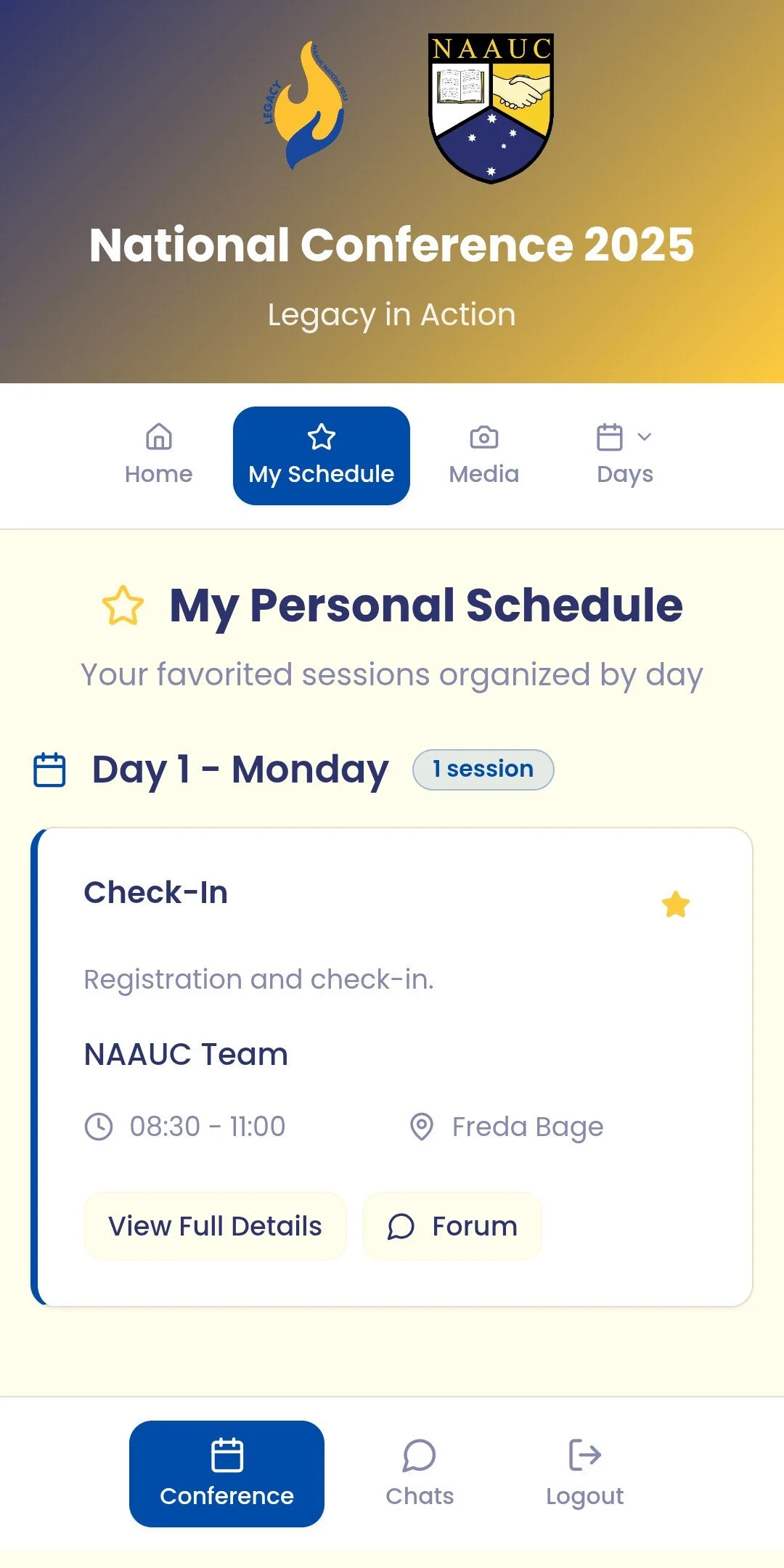
Check out the map, the NAAUC directory, your group chats, the general what’s what of the app and conference, and most excitingly the jam-packed schedule! You may notice there are stars on each session here. We often have multiple academic sessions running all at one time, so you can plan ahead by starring those sessions which you plan to attend, to be viewed in your own personal schedule!